File Converter

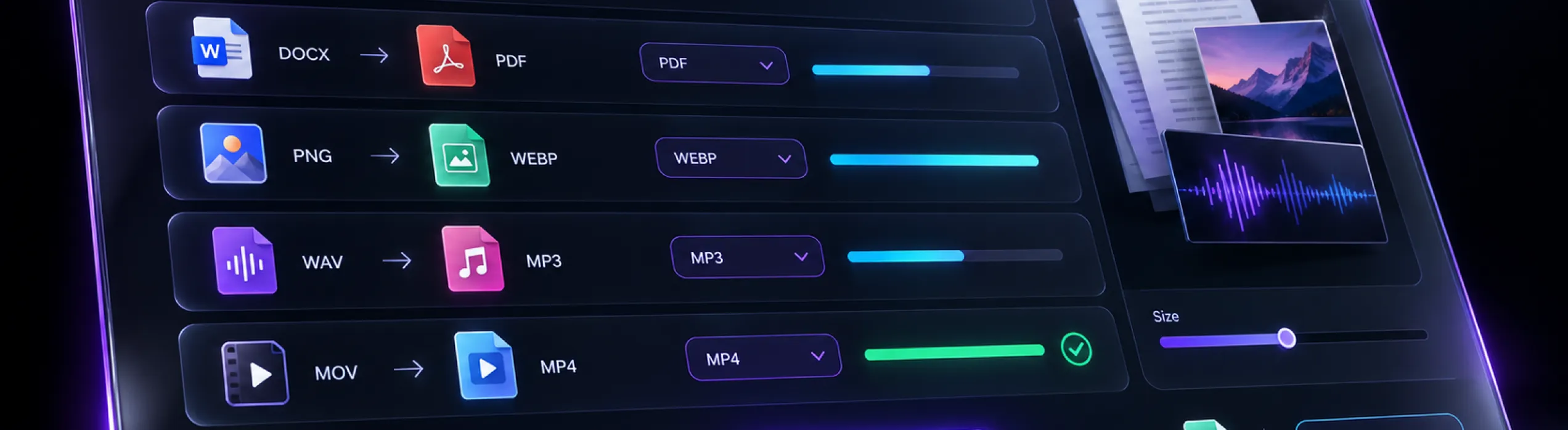
250+ formats. No software to install. Works in your browser and inside Salesforce. Files Convert turns documents, images, audio, and video into the format you need, with full control over size and output. Upload, convert, and get back to work.

Convert any file into any format, in seconds

File Converter Banner
5M+

files converted

250+

supported formats

99.9%

platform uptime

300+

teams converting files with us

What is Files Convert

What is Files Convert?

Files Convert is a web-based file conversion tool that supports more than 250 formats across documents, images, audio, and video. You can convert, compress, and merge files in your browser on any device, or use it inside Salesforce so your team converts files without leaving the records they work on.

It is built for businesses whose teams handle files every day, from sales and service to marketing, and need those files in the right format fast, without juggling separate tools.

Tired of wrestling with incompatible file formats?

A client sends a file your software can't open. A presentation is too large to email. A contract needs to be one PDF, not five attachments. Small format problems like these eat into every working day.

Files Convert is your one-stop solution. With support for over 250 formats, it takes format constraints off the table, so your files work with whatever software, device, or platform you use.

250+ formats, one converter

Documents

Documents.

Convert between DOC, PDF, and many more document formats for your contracts, proposals, and reports.

Images

Images.

Change JPEG and other image formats to fit any website, presentation, or platform.

Audio — musical notes

Audio.

Convert MP3 and other audio files for playback on any device or app.

Video — Play icon

Video.

Switch video formats so your clips play wherever you need them.

Convert in three steps

Convert in three steps

Upload your files.

Add a single file or a whole batch straight from your browser.

Choose your format and settings.

Pick the output format and adjust the settings to match your exact requirements.

Download or save to the cloud.

Grab your converted files right away, or keep them in the cloud to access anytime.

What you get with Files Convert

What you get with Files Convert

Turn any file into the format you need, so it works with your preferred software, devices, and platforms.

Shrink large documents and multimedia files to save storage space and improve performance.

Get quick conversions through a user-friendly interface that keeps every step simple.

Combine multiple files into one organized document, ready to share or store.

Access your converted files from anywhere, at any time, through cloud integration.

Control the output with customizable settings, so every file meets your exact requirements.

Robust security measures protect your files and information throughout the process.

Convert on a desktop, laptop, tablet, or smartphone. Files Convert adapts to whatever device you use.

Want more features? You name it; we'll provide it.

Works the way you do

 No installation

No installation

Nothing to download or set up.

Browser-based illustration

Browser-based

Open it in your web browser and start converting.

Windows and Mac

Windows and Mac

Use it on either operating system.

Batch conversion

Batch conversion

Convert many files at once when the volume is high.

Convert files without leaving Salesforce

Files Convert integrates with Salesforce, so format problems get solved right where your team already works. That means fewer errors, less switching between screens, and a faster document lifecycle.

Convert files without leaving Salesforce
Sales professionals

Sales professionals

convert and prepare quotes in the right format before they reach a client.

Service agents

Service agents

handle contracts in whatever format the customer sends or needs.

Marketers

Marketers

produce collateral in the formats each channel and platform requires.

What Our Users Say About Files Convert

"Our sales team used to send quotes in three different formats. Now everything goes out as one clean, merged PDF straight from Salesforce, and nobody had to install a thing."

Ananya Rao

Sales Operations Manager

“Our marketing team converts images and videos for every channel in seconds. Custom settings let us shrink file sizes for each platform, so our campaigns go live much faster.”

Daniel Brooks

Marketing Manager

“Our service team handles hundreds of customer documents every week. Batch conversion clears the whole queue at once, and it works the same on our Windows and Mac machines.”

Meera Shah

Customer Service Lead

Why choose Advayan for your file converting needs

Our name, Advayan, means unique and irreplicable, and that is the standard we hold our service to. Three beliefs shape how we work with you.

Why choose Advayan for your file converting needs
01

24/7 Salesforce Support System

Our Salesforce experts are available around the clock, whenever you need help.

02

Products with Features Complementing Salesforce Services

Our products are designed to extend Salesforce seamlessly, not to sit beside it as one more tool.

03

Customization and Exceptional Flexibility

We tailor our offerings to your needs. Name your specific demands, and we will work to accommodate your evolving document management landscape.

Any file. Any format. Done in seconds.

Stop fighting file formats and get back to the work that matters. See how Files Convert fits your team.

Questions

Frequently Asked Questions

It supports more than 250 formats, including popular ones like DOC, PDF, MP3, and JPEG. You can convert between document, image, audio, and video formats with ease.

Yes. Files Convert is compatible with both Windows and Mac, so you can convert files on whichever platform you prefer.

Security is a top priority for us. We use robust encryption and data protection measures to keep your files secure and confidential throughout the conversion process.

Yes. Batch conversion lets you convert multiple files at once, which is ideal when you have a large number of files to process quickly.

No. Files Convert is web-based, so you use it right in your browser. Simply upload your files and start converting.

Yes. It integrates with Salesforce, so your team can convert files for quotes, contracts, and collateral without leaving the platform.

Yes. Optimize Files reduces file size to save space and improve performance, and Merge Files combines several files into one document.